
FREE Same-Day Delivery
Must place your order by 5:40pm for same-day delivery. Otherwise, your order will be delivered the next day.
See instructions below to enroll.

Instructions for Delivery Enrollment
Sign up so you can pre-pay, have quicker pickups and avoid credit card processing & ATM fees.
Qualifications & Guidelines:
- We deliver to NY only.
- You have to be present with your ID to accept delivery. We can’t leave it on your front porch or mailbox.
- DELIVERY HOURS: Delivery orders must be placed by 5:40pm in order to get them delivered same-day. Any orders placed after 5:40pm will be delivered the next day. You can place orders up to 1 day in advance.
See instructions below on how to enroll in delivery services.
How to Enroll in Our Delivery Services:
Here’s how to sign up:
STEP 1 - Visit Aeropay’s Website
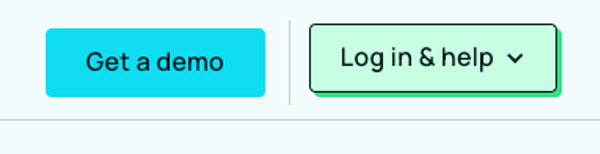
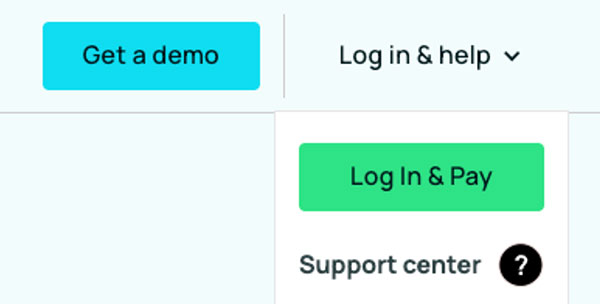
Click here and in the top right corner of the webpage, click the green button that says “Log in & help.”
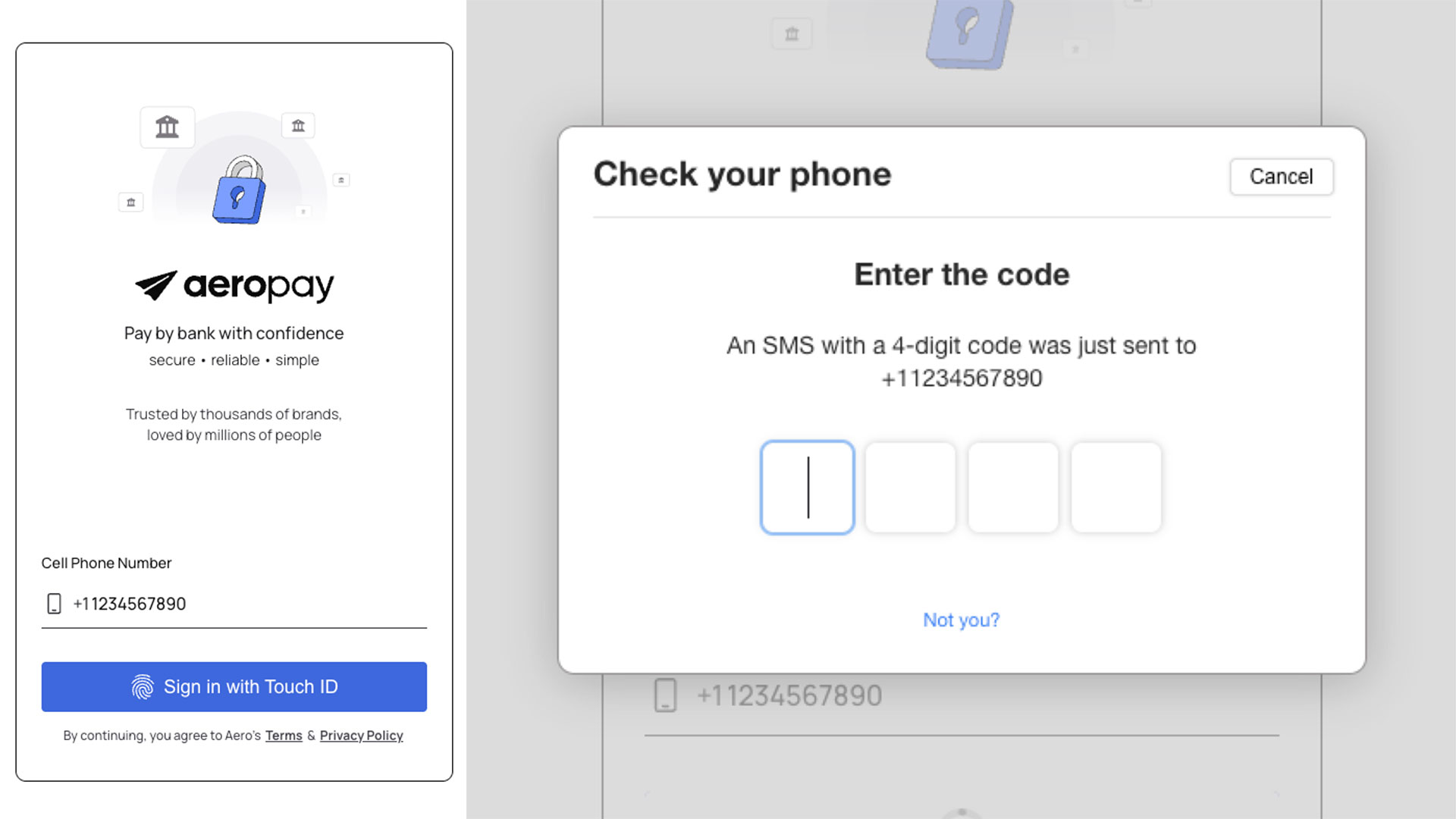
STEP 2 - Create Your Account
Enter your phone number and click the purple button. Next, you’ll need to grab your phone and enter the security code texted to you.
Next, go through the rest of the prompts to create your account.
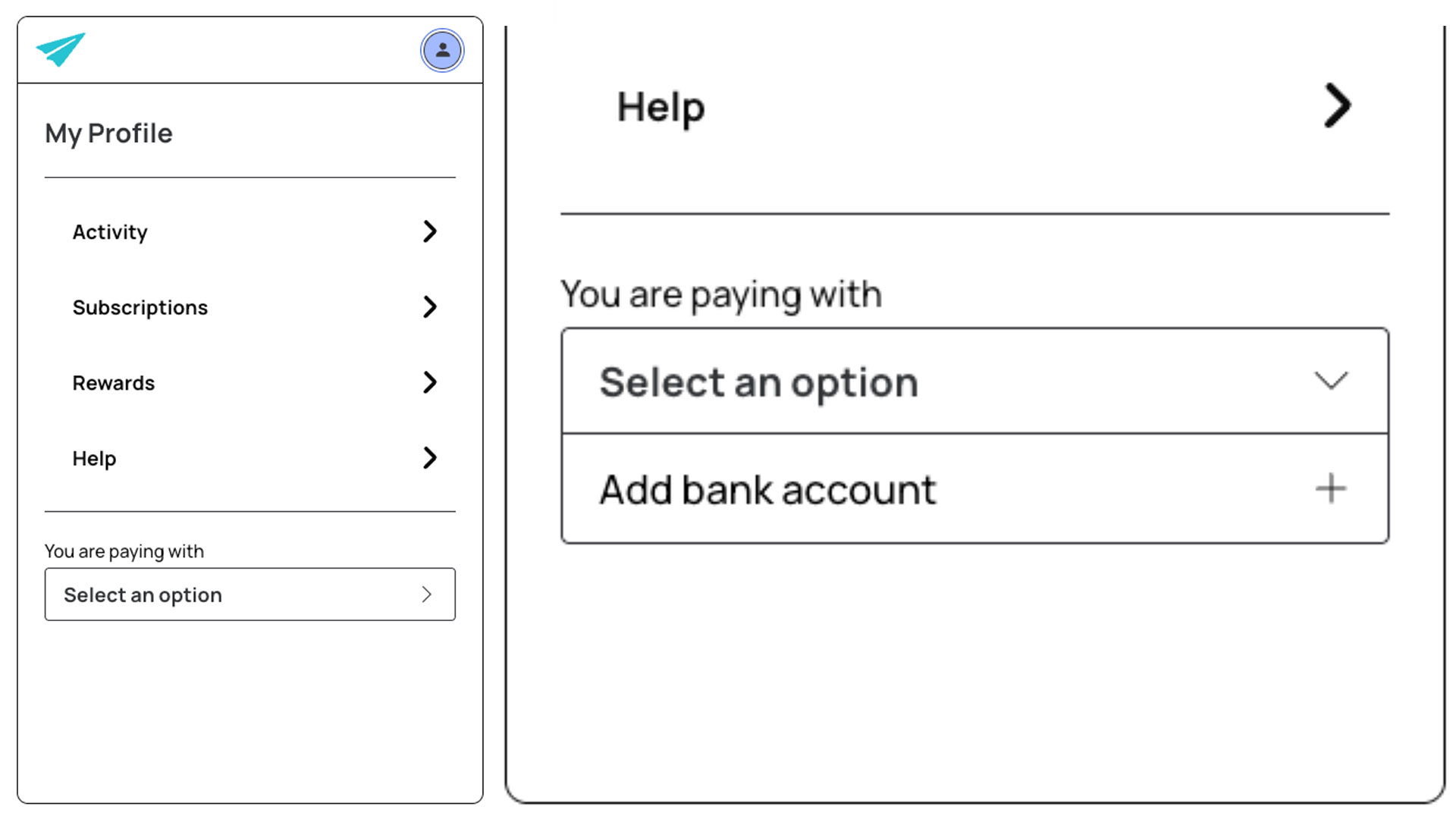
STEP 3 - Add Your Bank Account
Next, you’ll see this screen:
Under “You are paying with” hit “Select an option” and then “Add bank account.”
Find your bank and link your bank account.
STEP 4 - Shop at Purple Plains Online Store
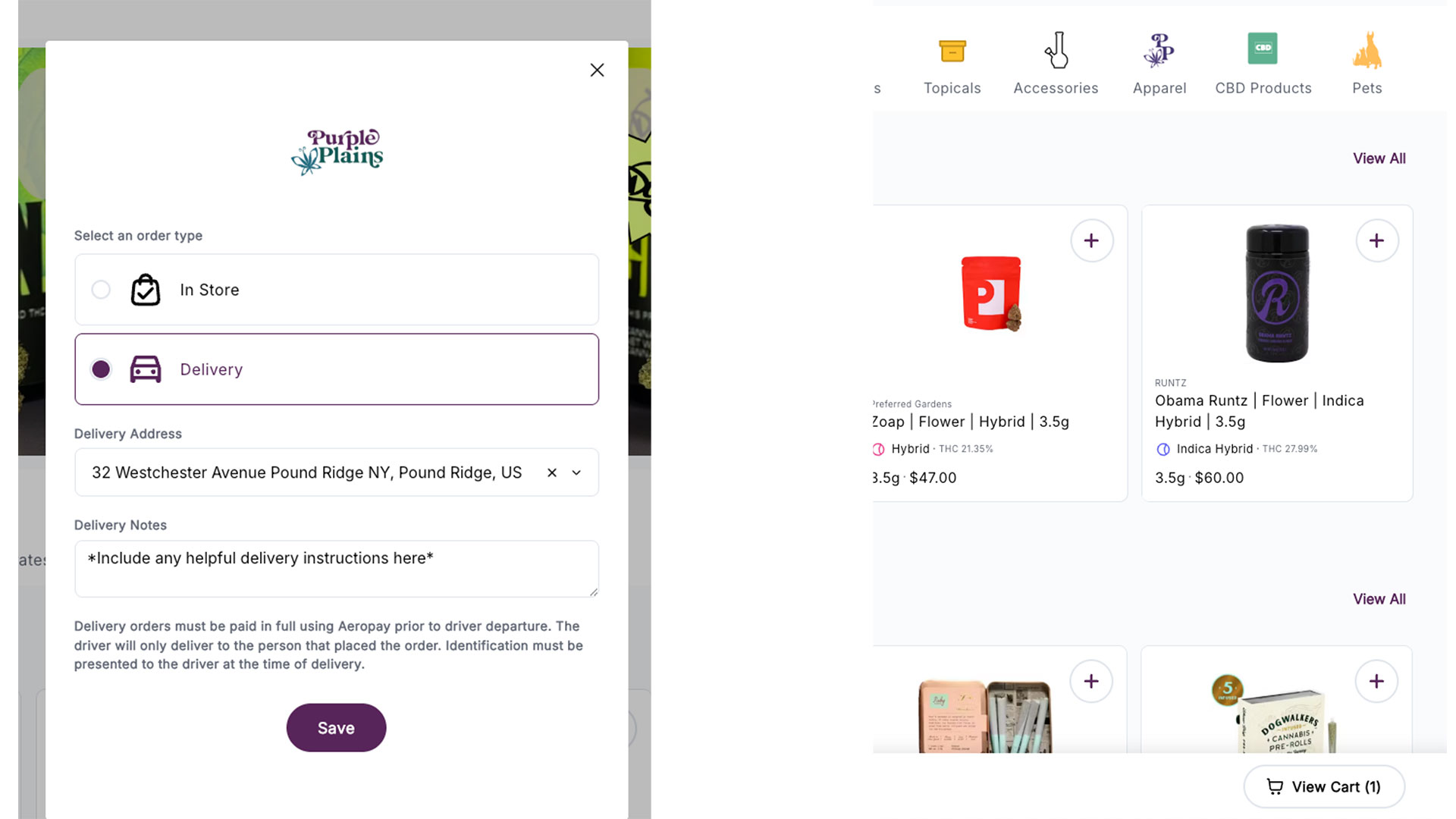
When you’re ready to place your order, you’ll go to the Purple Plains online shop (click here) and select “Delivery” in the pop-up window (pictured here).
Enter your information and click “Save.”
Then, you’ll be able to browse our online store and add everything you want to your cart.
When you’re ready to check out, click the button that says “View Cart” in the bottom right of the screen.
STEP 5 - Check Out & Pay with Aeropay
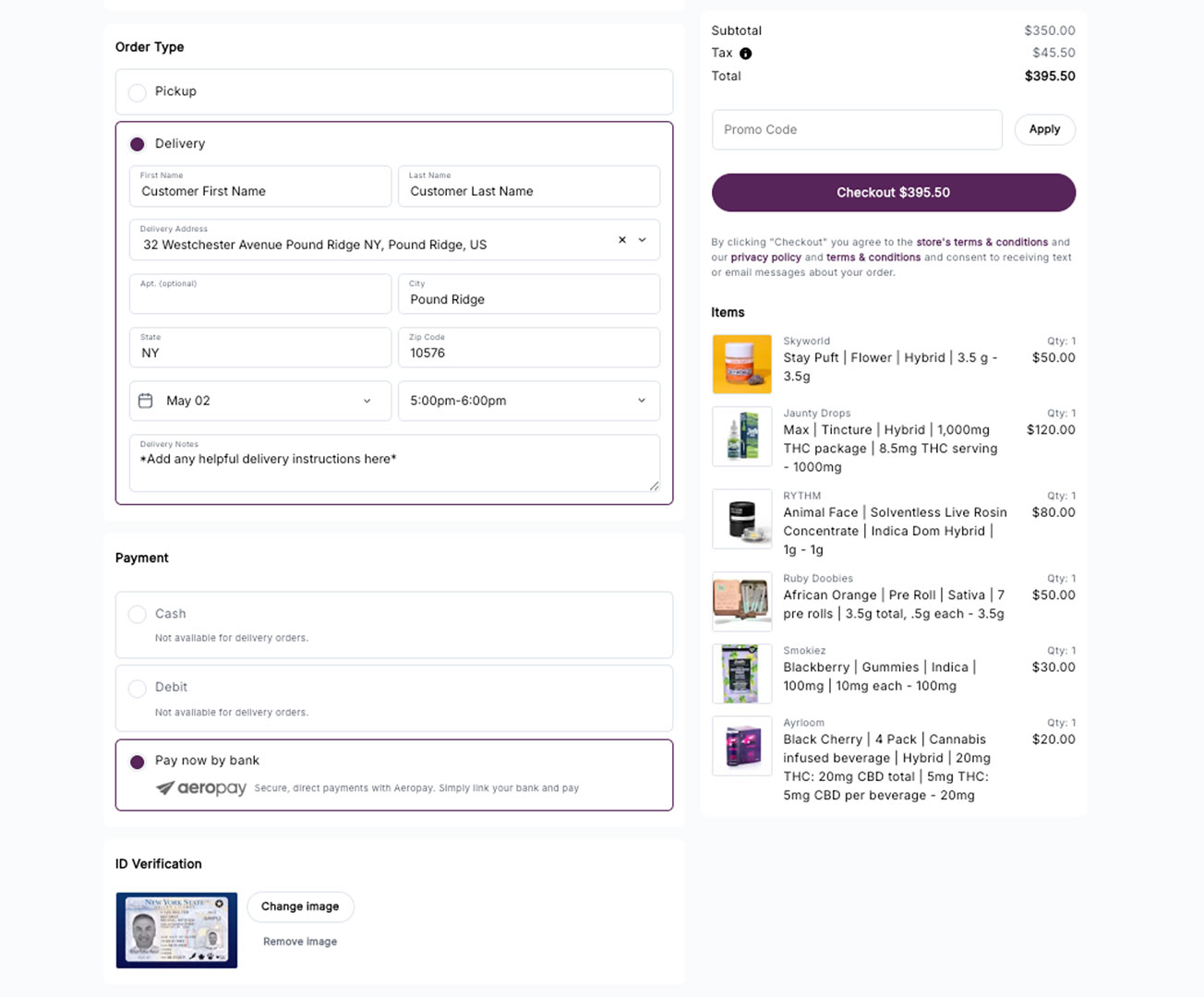
On the checkout screen, be sure to fill out:
1 – Your name & address
2 – Your desired delivery day & time range
3 – Select “Aeropay” as your payment method
4 – Upload your ID
5 – And then hit the purple “Checkout” button to submit your order.
This will redirect you to Aeropay, where you’ll log into your Aeropay account and finish paying for your order.
STEP 6 - Be Home & Ready to Receive Your Order
Please be home & available to receive your order during the day and time range you selected at checkout.
You’ll need to be present with your ID in order to accept delivery.
We can’t leave it on your front porch or mailbox.
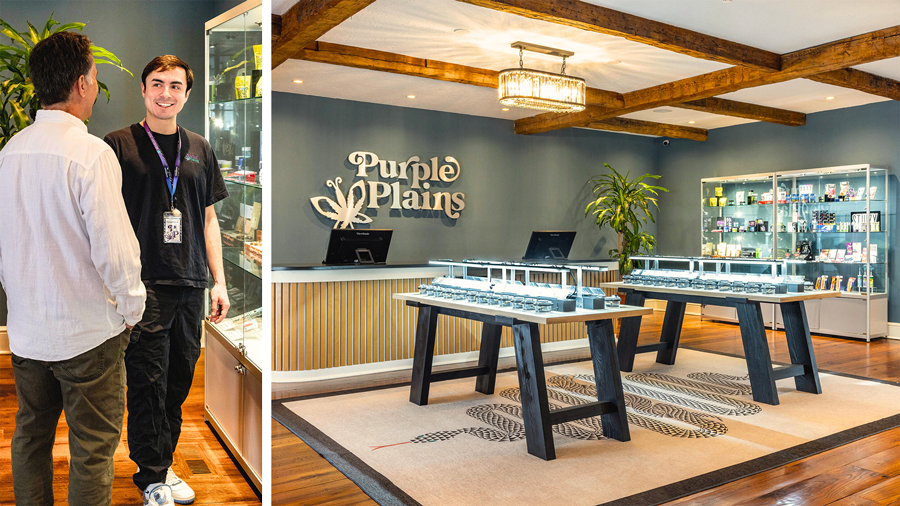
You can also come visit us in-store for a luxury shopping experience & personalized recommendations from our budtenders.

Get $5 off your next order:
Build points, get $5 off for every $200 you spend, and stay in the loop around new products and promos


shop
purple plains
store info
32 Westchester Ave,
Pound Ridge, NY 10576
Hours: 10AM-8PM Daily, 21+
OCM-CAURD-24-000119
shop
purple plains
store info
32 Westchester Ave,
Pound Ridge, NY 10576
Hours: 10AM-8PM Daily, 21+
OCM-CAURD-24-000119